
Virtual Assistant Client Onboarding Template
Starting your first client project as a VA? Having a clear Virtual Assistant client onboarding template will make you look professional, set expectations, and save hours of admin work.
Why Every VA Needs an Onboarding Template
-
Builds trust from day one
-
Reduces misunderstandings
-
Speeds up project setup
-
Makes you look organized and reliable
What’s Inside the Premium First-Client Confidence Kit
This complete Virtual Assistant client onboarding template includes:
-
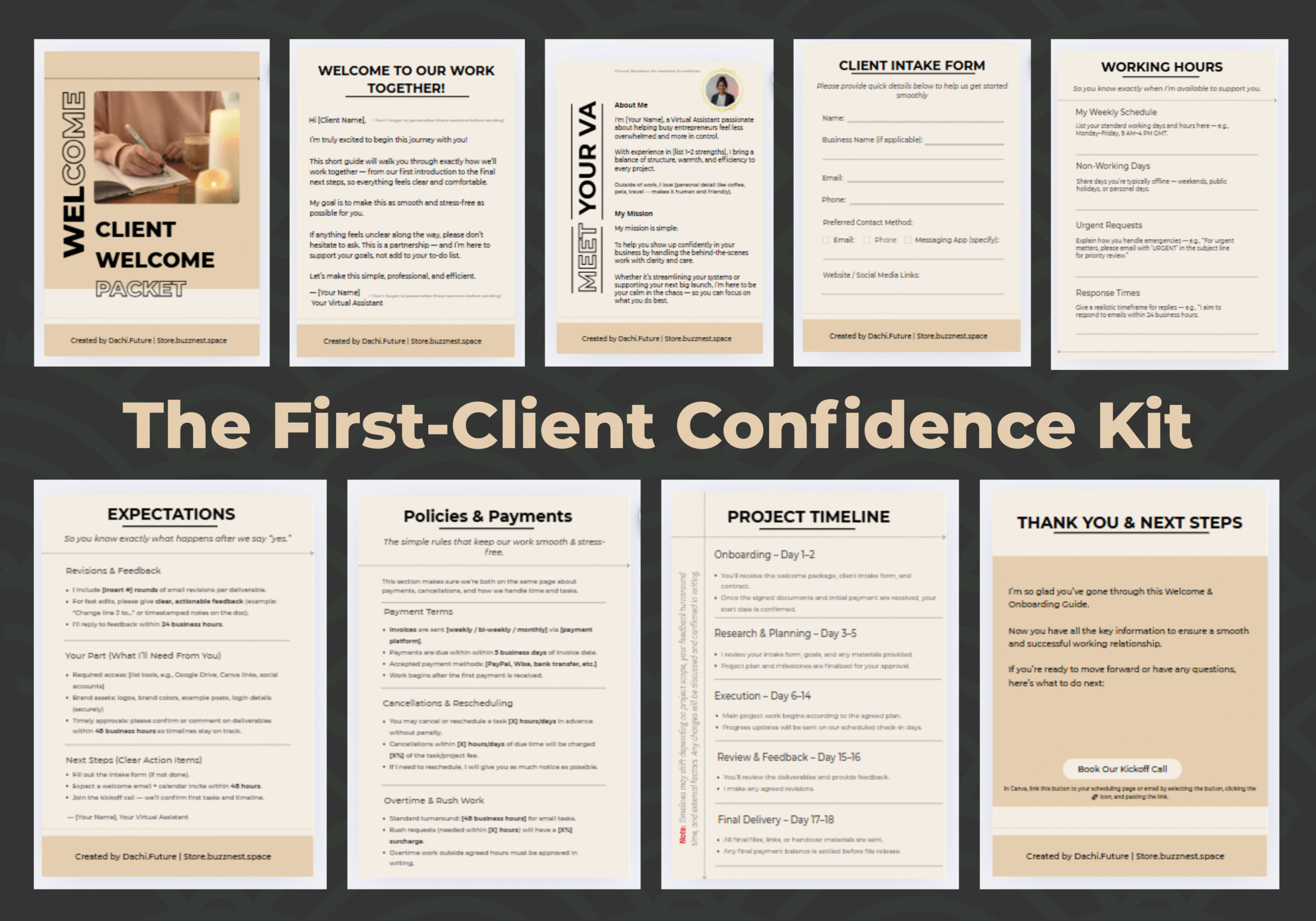
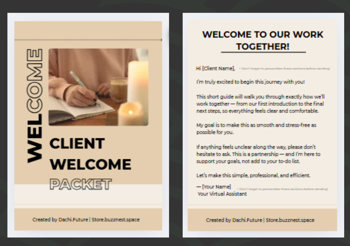
Welcome Page — professionally introduce yourself
-
About Me + Mission — connect on a personal level
-
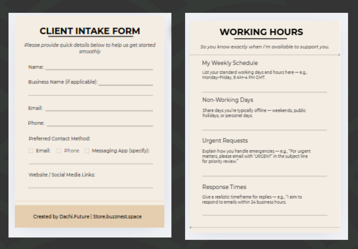
Client Intake Form — gather essential details fast
-
Working Hours — set boundaries and availability
-
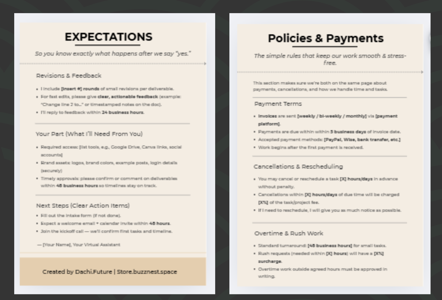
Expectations & Policies — avoid scope creep and payment delays
-
Project Timeline — clear steps from start to finish
-
Thank You & Next Steps — end on a positive, professional note
How to Use This Canva Template
-
Open the editable link in Canva
-
Add your name, brand colors, and details
-
Save as PDF and send to your client after they sign the contract
💡 Pro Tip: This template can also be printed if you prefer handing clients a physical welcome packet.
Benefits for New and Experienced VAs
-
New VAs: Look professional even without experience
-
Busy VAs: Save hours with ready-to-use forms
-
Niche VAs: Easily customize for your industry (podcast, eCom, coaching, etc.)
Get the Premium Virtual Assistant Client Onboarding
- Instant download after purchase
- Fully editable in Canva
- Lifetime access & updates
Related Resources for Virtual Assistants
You can reach out. We’re happy to help you match tools to your workflow.



Reviews
There are no reviews yet.